
Change Password, Email Address and Account Details
How to Change Your Password, Email Address, Name and Photo in the Cync App
Change Password
- Go to Settings
- Select Users
- Select Manage Profile
- Tap Change Password
- Follow steps in app to update your password
Tip: Make sure you are entering a password that is 6-16 characters long and includes at least one number
Update Account Name
- Go to Settings
- Select Users
- Select Manage Profile
- Select Full Name field
- Enter the name you want displayed
Update Photo
- Go to Settings
- Select Users
- Select Manage Profile
- Tap the profile photo
- Upload an existing photo from your camera roll, or take a new photo
Update Email Address
- Go to Settings
- Select Users
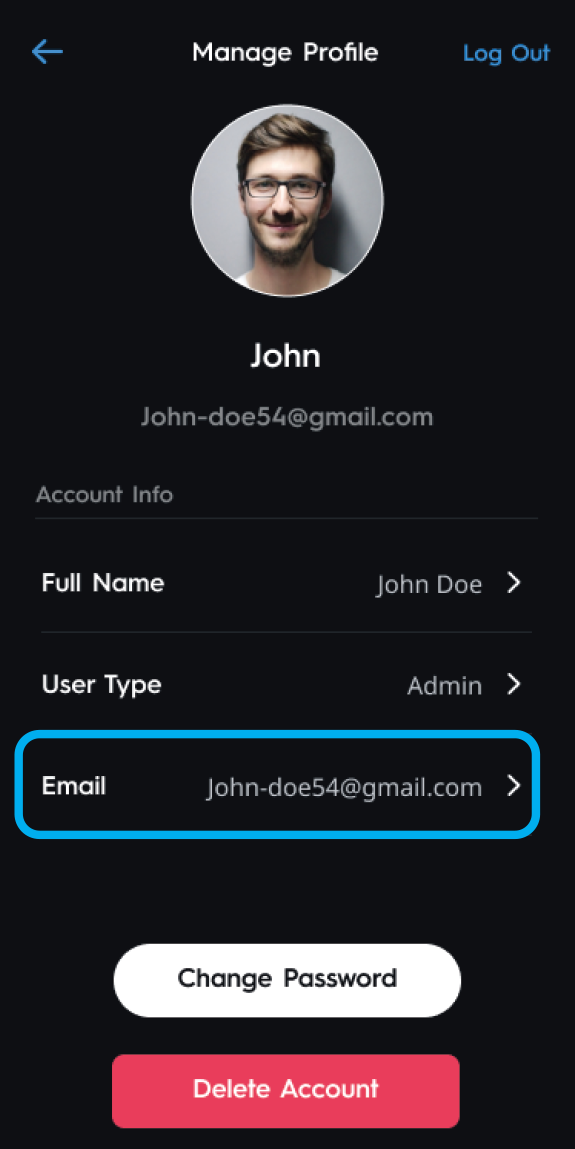
- Select Manage Profile
- Select Email field
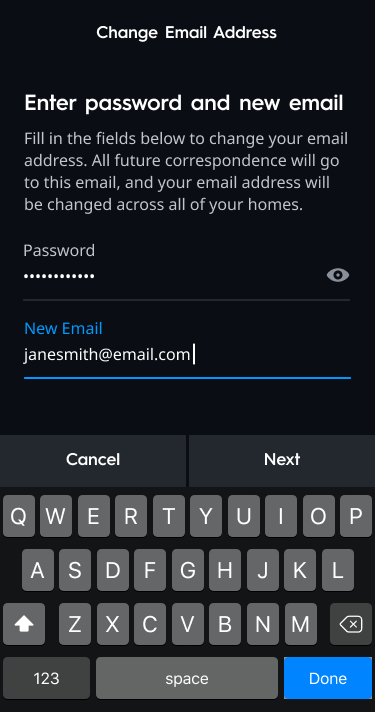
- Enter your current Password and New Email
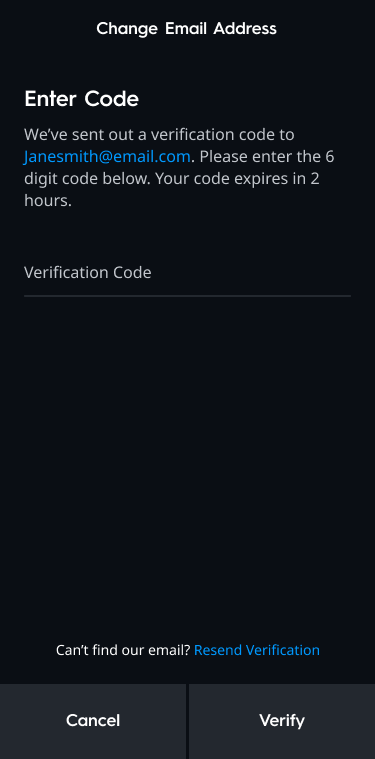
- Enter the Verification Code that was sent to the new email address and select Verify
If you're seeking to add another user to help control your Cync devices, please visit our support article for Inviting Guest Access: https://cyncsupport.gelighting.com/s/article/invite-guest-access?language=en_US