
Two-Factor Authentication
To help keep your account secure, we've enabled two-factor authentication when signing into the Cync app.
IMPORTANT: Make sure the email you are using with your Cync account is a valid email you have access to. If you do not have access to this email address, you will not have access to the two-factor authentication code that enables you to log into your Cync account.
- When signing into your Cync app, you will be prompted to enter a verification code.
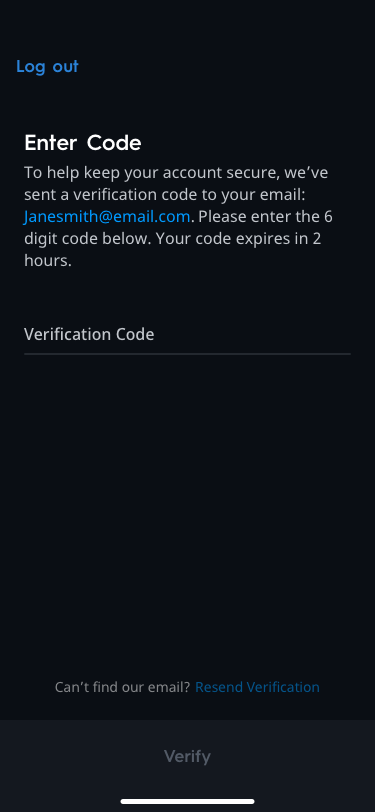
- The verification code will be sent to the email address associated with your Cync account.

- Check your email. Input the verification code you received from Cync. Tap Verify.

Troubleshooting
I'm not receiving my two-factor authentication code.
Check your email's spam or junk folder. If the email is not located in either of those folders, you may need to whitelist noreply@cyncsmart.com. Once whitelisted, try to request the two-factor authentication code again.
I received an error when I put my two-factor authentication code in.
Request another two-factor authentication code, and assure that auto-fill is not populating in the box. If the error persists, try resetting your account password and request a two-factor authentication code again.
Do I need to enable two-factor authentication?
Two-factor authentication is not optional, and must be used to gain access to your Cync account and the Cync app.