
Controlling Wire-Free Dimmer Remotes
You can easily control your Cync devices with the Cync Wire-Free Dimmer Remote or Cync Wire-Free Dimmer + White Tones Control Remote
Cync Wire-Free Dimmer Remote Controls
Wire-Free Dimmer Remote

Wire-Free Dimmer + White Tones Control Remote
How to control Cync devices with my Cync Wire-Free Remote
- Simply assign any devices and Cync Wire-Free Remote to the same Room or Group in the Cync app.
- If you assign these devices in the same Room your remote will control all the Cync devices assigned to that Room. If you want to control a select group of devices with a remote, simply group those specific devices into a Group within that app Room.
⇒ How to Move Devices to Rooms or Groups
How to turn Cync devices On and Off with my Cync Wire-Free Remote:
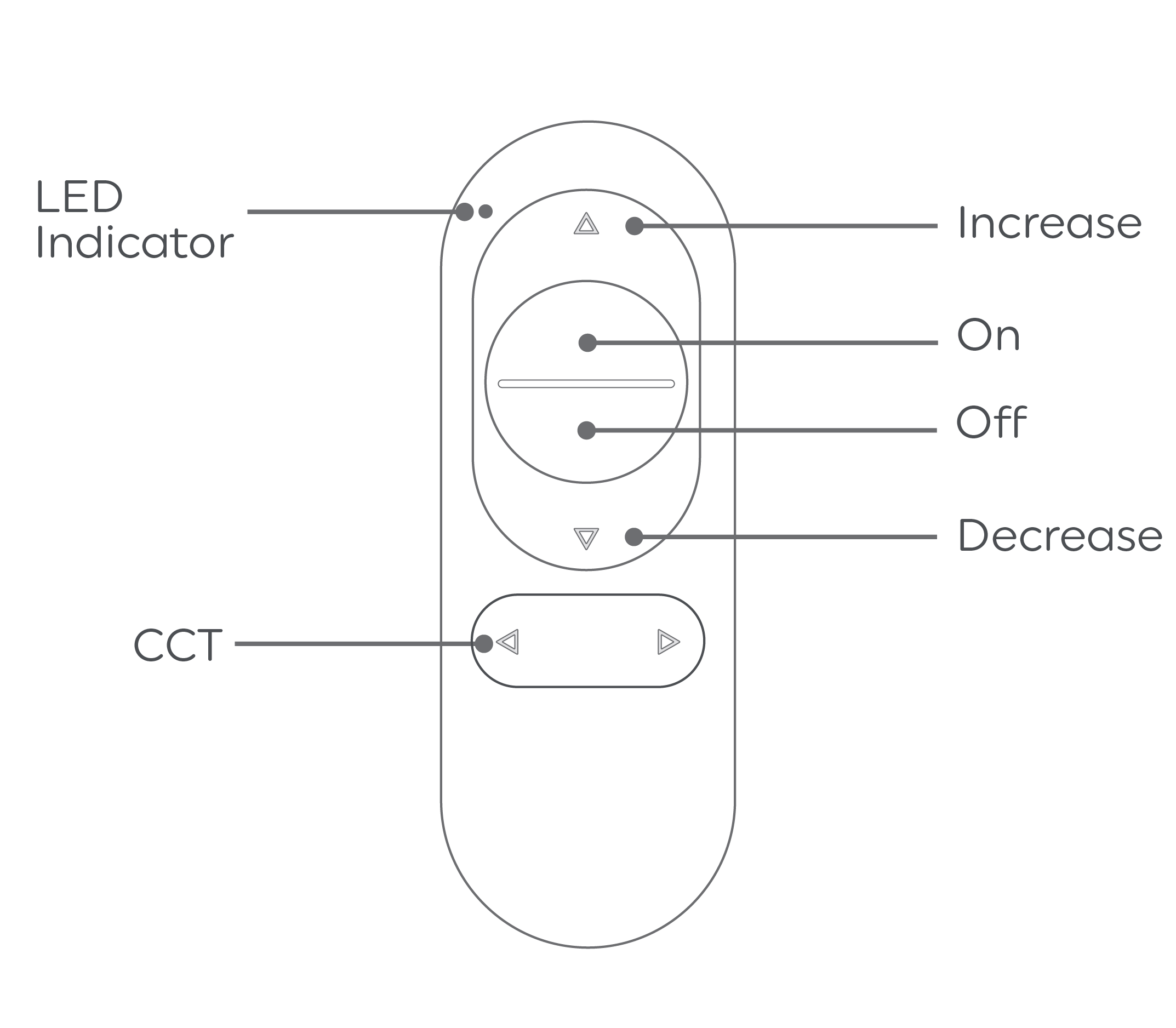
- Use the ON and OFF buttons on the remote.
How to Dim and Brighten Cync devices with my Cync Wire-Free Remote:
- Use the increase and decrease buttons on the remote, indicated by the embossed triangles.
NOTE: Your remote will always control any Cync smart light, plug, or switch assigned to the same Room or Group. Devices plugged into a Cync Smart Plug will not dim when using the Wire-Free Remote dimming function.
How to use White Tones Control with a Wire-Free Remote:
- On the Wire-Free Dimmer and White Tones Control Remote only, use the left and right embossed triangle buttons on the remote. This will cycle through different White Tone color temperatures on applicable Cync devices.